Model
Flux Image Synth Module
Provider
Flux
Ready in seconds. No setup required connect Flux Image Synth Module to your workflow instantly.
Overview
The Flux Image Synth module allows you to create AI-generated visuals directly from descriptive text prompts. Ideal for design, marketing, storytelling, or creative projects, this module produces high-quality images tailored to your instructions and selected aspect ratio.
Key Features
Text-to-Image Generation
Aspect Ratio Selection
Creative Flexibility
Use Cases
Marketing Visuals on Demand
UI/UX Concept Mockups
Creative Storytelling
Personalized Image Bots
User Manual
1. How to Use the Flux Image Synth Module

Drag the Flux Image Synth module into your workspace.
2. Enter Prompt

In the Prompt field, type a description of the image you want to create. Example: “A futuristic cityscape at night with glowing drones.”
3. Set Ratio
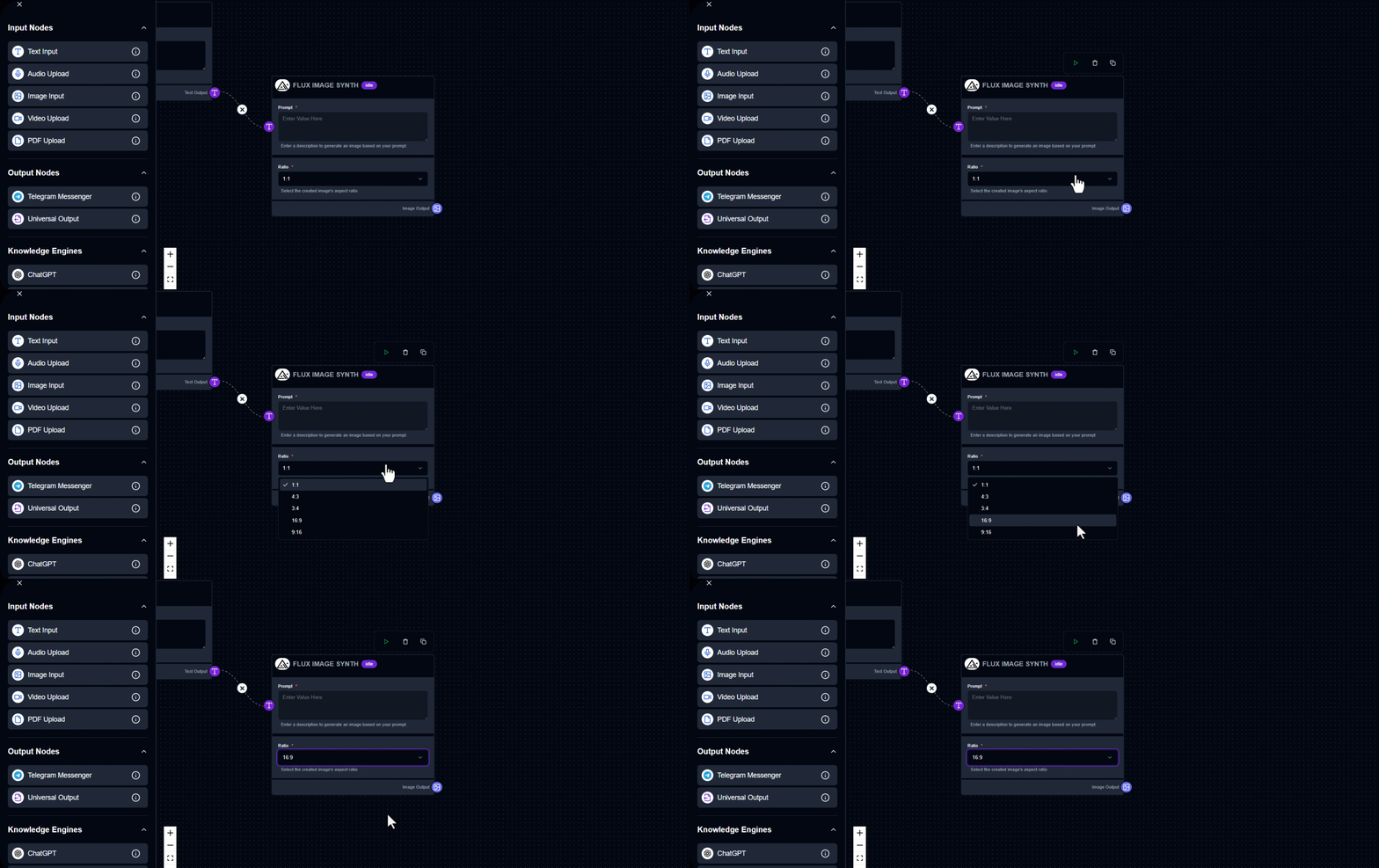
Choose an aspect ratio for your image (e.g., 1:1 for square, 16:9 for widescreen).
4. Run the Module
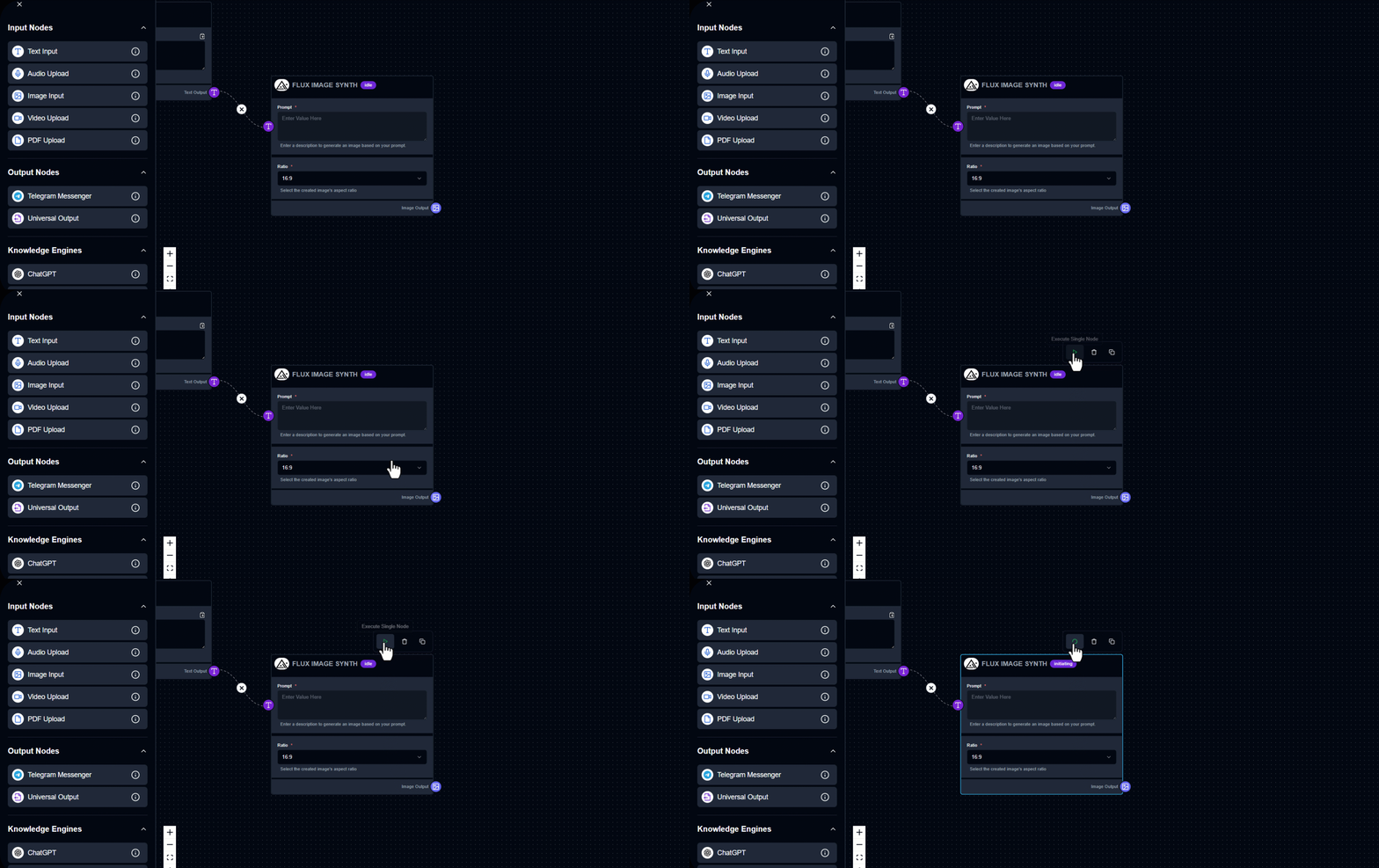
Click the button to start generating the image.
5. View the Result
The output image will appear in the Image Output section.
6. Tip
Be descriptive and imaginative specific prompts yield better visuals!
Output Example
Prompt: "A serene forest with a sparkling waterfall at sunrise." Generated Result: File in folder
Try Now
See Flux Image Synth Module in Action
Build your first workflow in under 60 seconds drag, drop, done.
Launch Interface
Quick Info
Category
Model
Provider
Flux
Module Type
Image Generation Engine
Tags
Image GenerationAI ArtText-to-ImageCreative AIVisual Content
Ready to build?
Join thousands using Flux Image Synth Module to power their workflows
Free to start
No credit card
2 min setup