Model
Google TTS Engine Module
Convert text into realistic, natural-sounding speech using Google’s powerful text-to-speech engine.
Provider
Google
Ready in seconds. No setup required connect Google TTS Engine Module to your workflow instantly.
Overview
The Google TTS Engine module allows you to seamlessly transform written text into clear, human-like speech. Ideal for voiceovers, notifications, accessibility tools, and interactive applications, this module leverages Google’s advanced TTS technology to produce high-quality, intelligible audio with minimal effort.
Key Features
Realistic Speech Output
Fast & Reliable
Wide Compatibility
Ease of Use
Use Cases
Voiceovers & Narration
Interactive Assistants
Accessibility & Reading Tools
Notifications & Alerts
User Manual
1. How to Use the Google TTS Engine Module

Drag & Drop – Drag the Google TTS Engine module into your workspace.
2. How to Use the Google TTS Engine Module
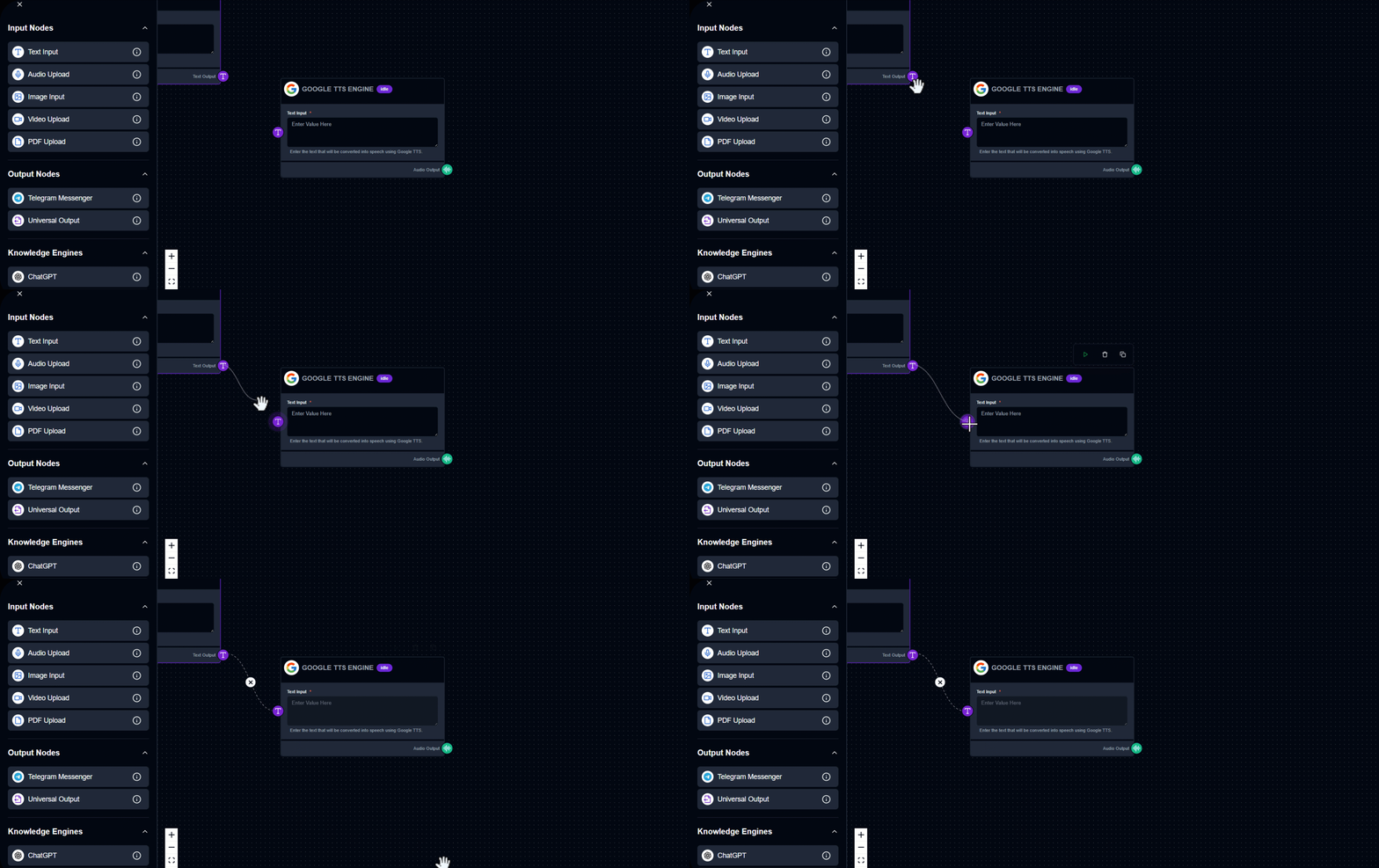
Enter Text Input – Type the content you want spoken aloud. Example: “Welcome to the future of AI automation!”
3. How to Use the Google TTS Engine Module
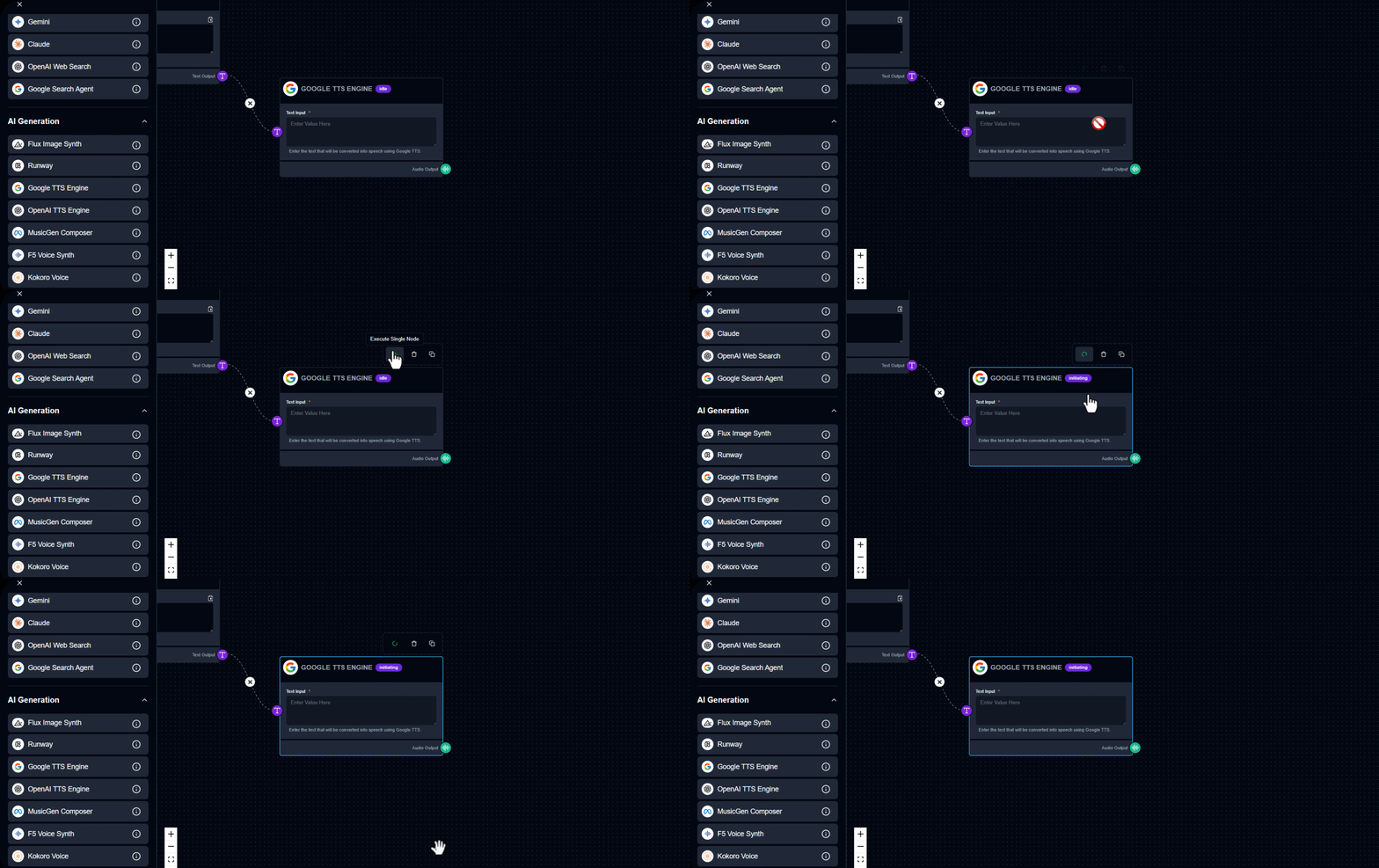
Run the Module – Click the button to convert your text into speech.
4. How to Use the Google TTS Engine Module
View the Result – The generated audio appears in the Audio Output section.
5. Tip
Shorter, well-punctuated text produces the clearest, most natural-sounding voice results.
Output Example
Text Input: “Your AI workflow is ready.” Generated Result: file in folder.
Try Now
See Google TTS Engine Module in Action
Build your first workflow in under 60 seconds drag, drop, done.
Launch Interface
Quick Info
Category
Model
Provider
Google
Module Type
Text-to-Speech Engine
Tags
Text-to-SpeechAI AudioVoice GenerationNatural LanguageWorkflow AutomationRealistic Voice
Ready to build?
Join thousands using Google TTS Engine Module to power their workflows
Free to start
No credit card
2 min setup