Kokoro Voice
Convert text into expressive, lifelike speech using Kokoro’s advanced AI voice synthesis engine.
Ready in seconds. No setup required connect Kokoro Voice to your workflow instantly.
Overview
Kokoro Voice transforms written text into emotionally rich, human-like speech. Designed for interfaces that need natural-sounding voice interaction, this module brings synthetic audio to life ideal for assistants, narrators, alerts, or any flow where tone and timing matter. Whether you're delivering dynamic updates, personalized messages, or scripted voiceovers, Kokoro Voice helps your automations speak with clarity and warmth.
Key Features
Use Cases
User Manual
1. How to Use the Kokoro Voice Module
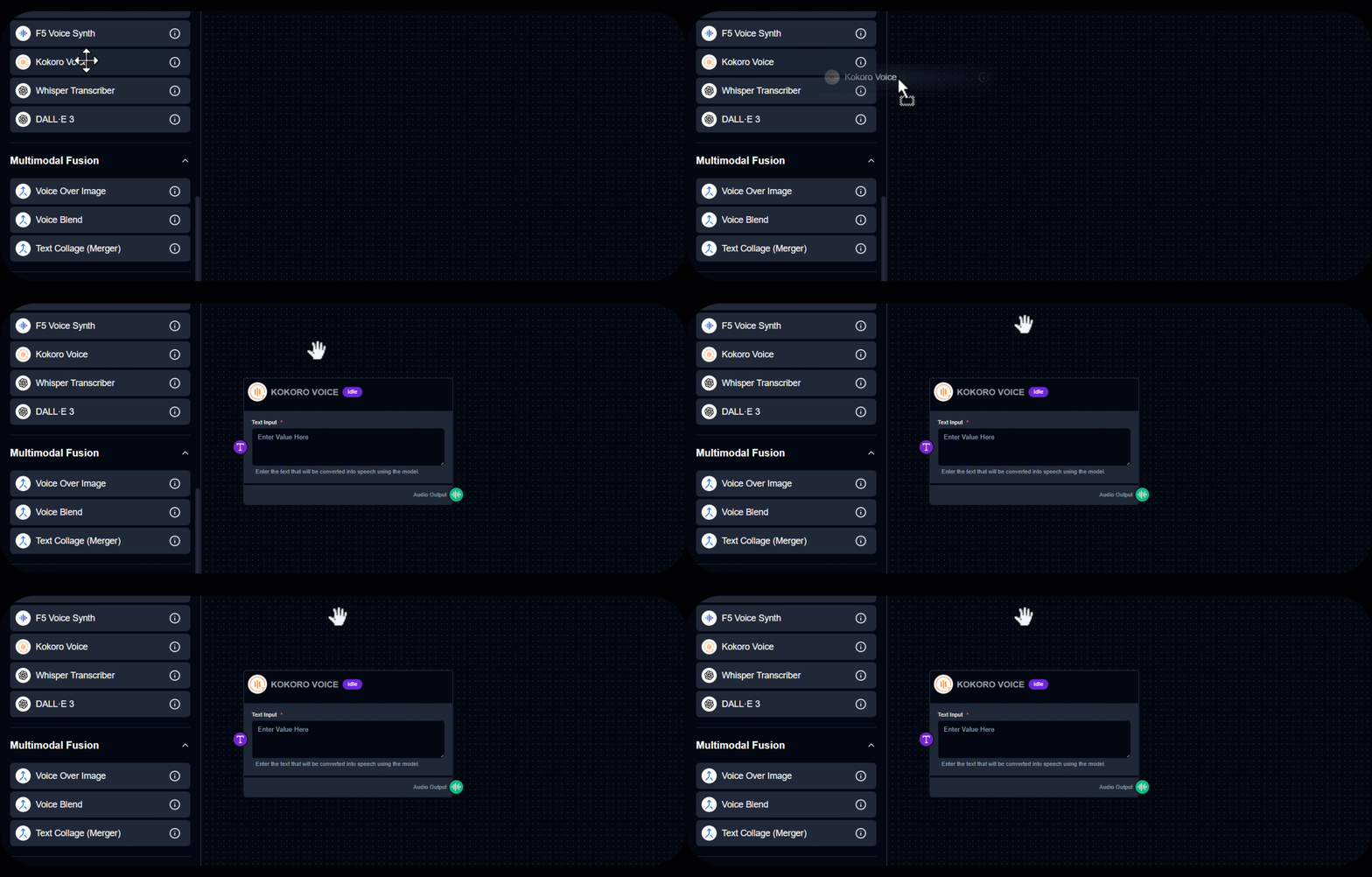
2. Enter Text Input
3. Run the Module
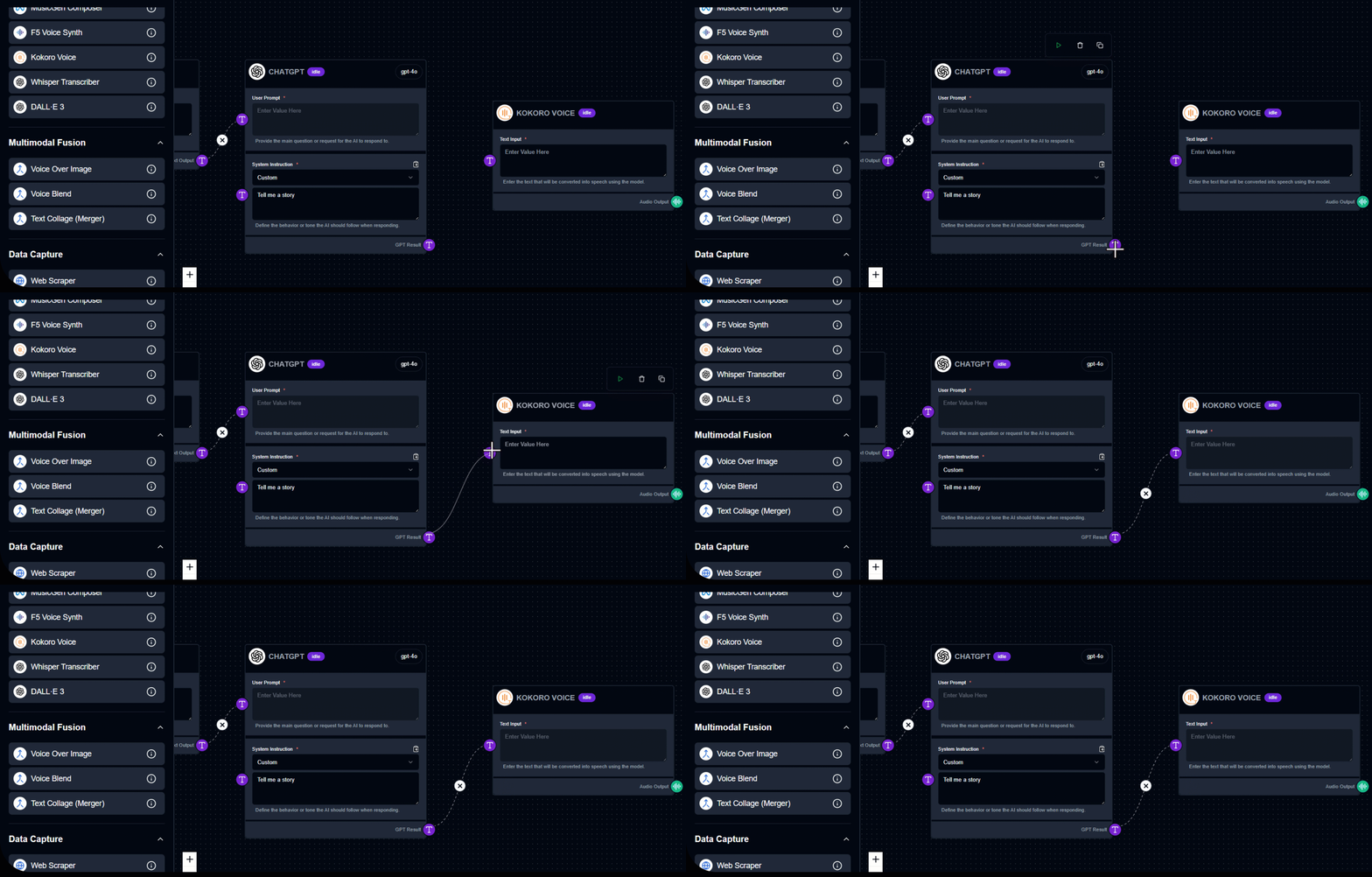
4. View the Result
Output Example
Input: “This is your personalized daily update. You have two meetings and one unread message.” Output (Audio): File in folder
See Kokoro Voice in Action
Build your first workflow in under 60 seconds drag, drop, done.
Quick Info
Tags
Ready to build?
Join thousands using Kokoro Voice to power their workflows