Model
MusicGen Composer Module
Turn text prompts into original AI-generated music.
Provider
Meta
Ready in seconds. No setup required connect MusicGen Composer Module to your workflow instantly.
Overview
MusicGen Composer transforms written prompts into fully realized musical compositions. Whether you provide a mood, genre, or lyrics, the module generates melodies, harmonies, and rhythms that match your description. Perfect for creators, educators, developers, or anyone adding AI-composed music to projects.
Key Features
Text-to-Music Generation
Genre & Mood Control
High-Quality Audio
Use Cases
Content Creation
Education & Learning
Creative Experimentation
Mood-Based Playlists
User Manual
1. How to Use the MusicGen Composer Module
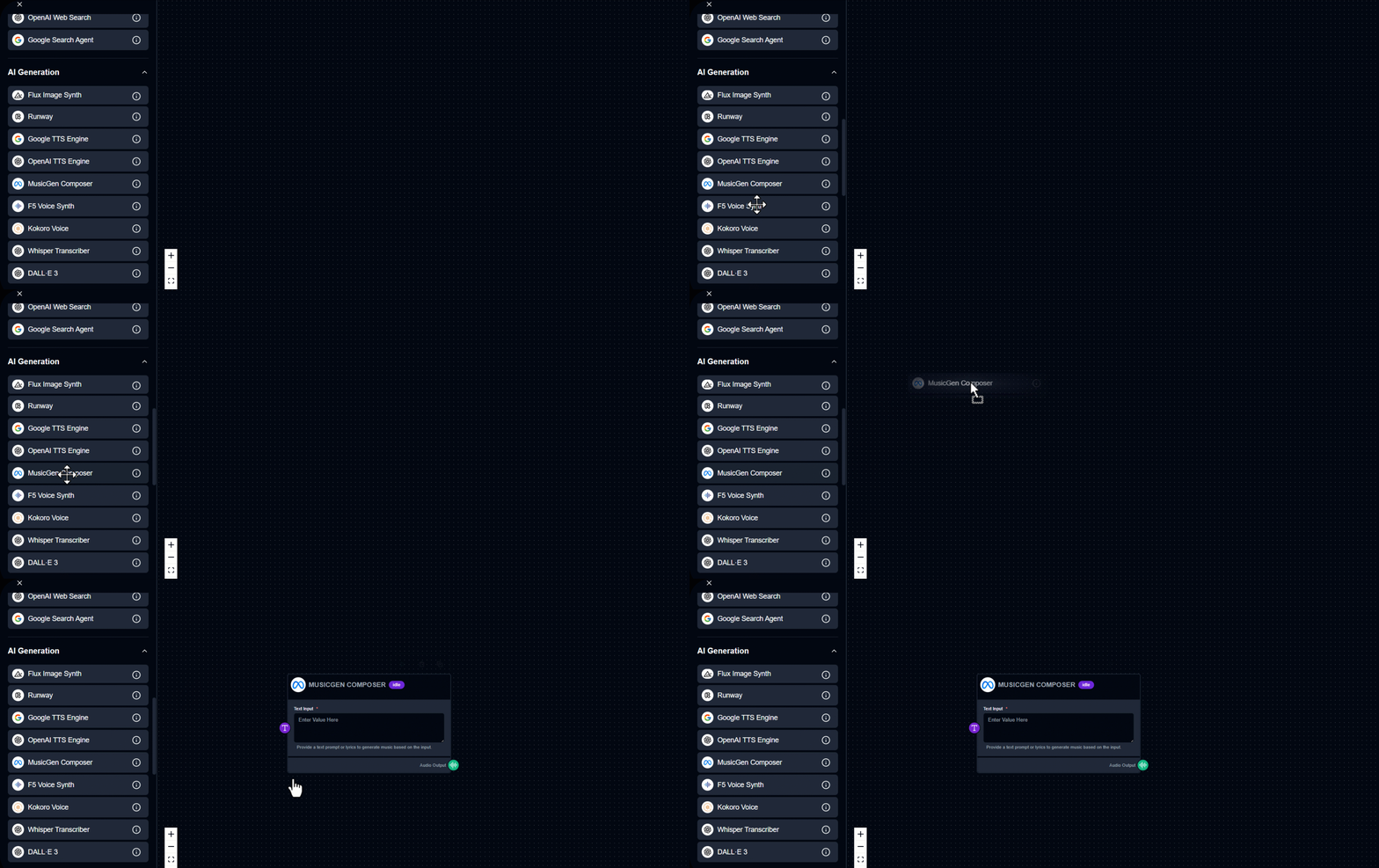
Drag & Drop – Drag the MusicGen Composer module into your workspace.
2. How to Use the MusicGen Composer Module
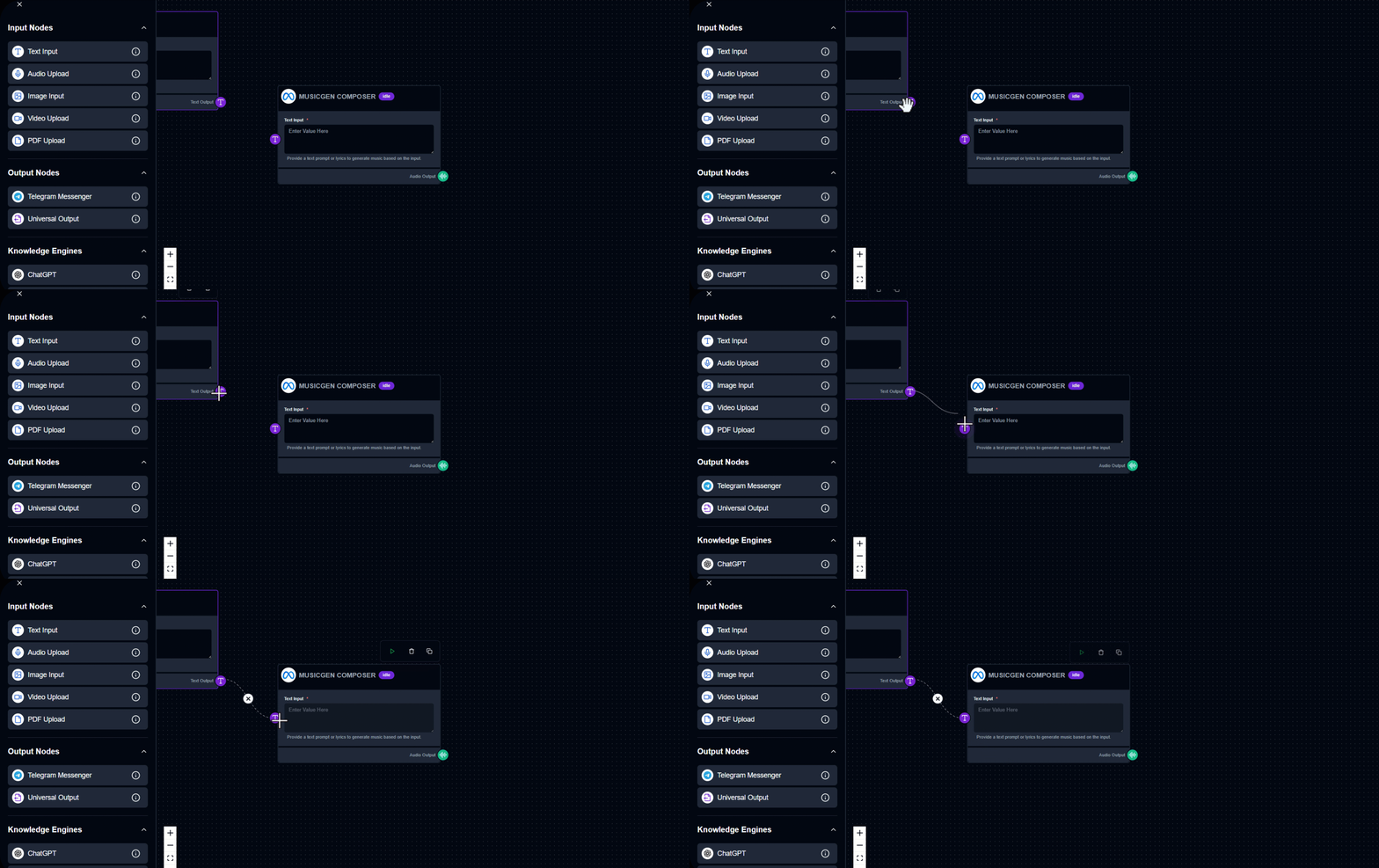
Enter Text Input – Describe a musical idea, mood, or lyrics. Example: “A calm lo-fi beat for studying” or “Upbeat electronic track with synths.”
3. How to Use the MusicGen Composer Module
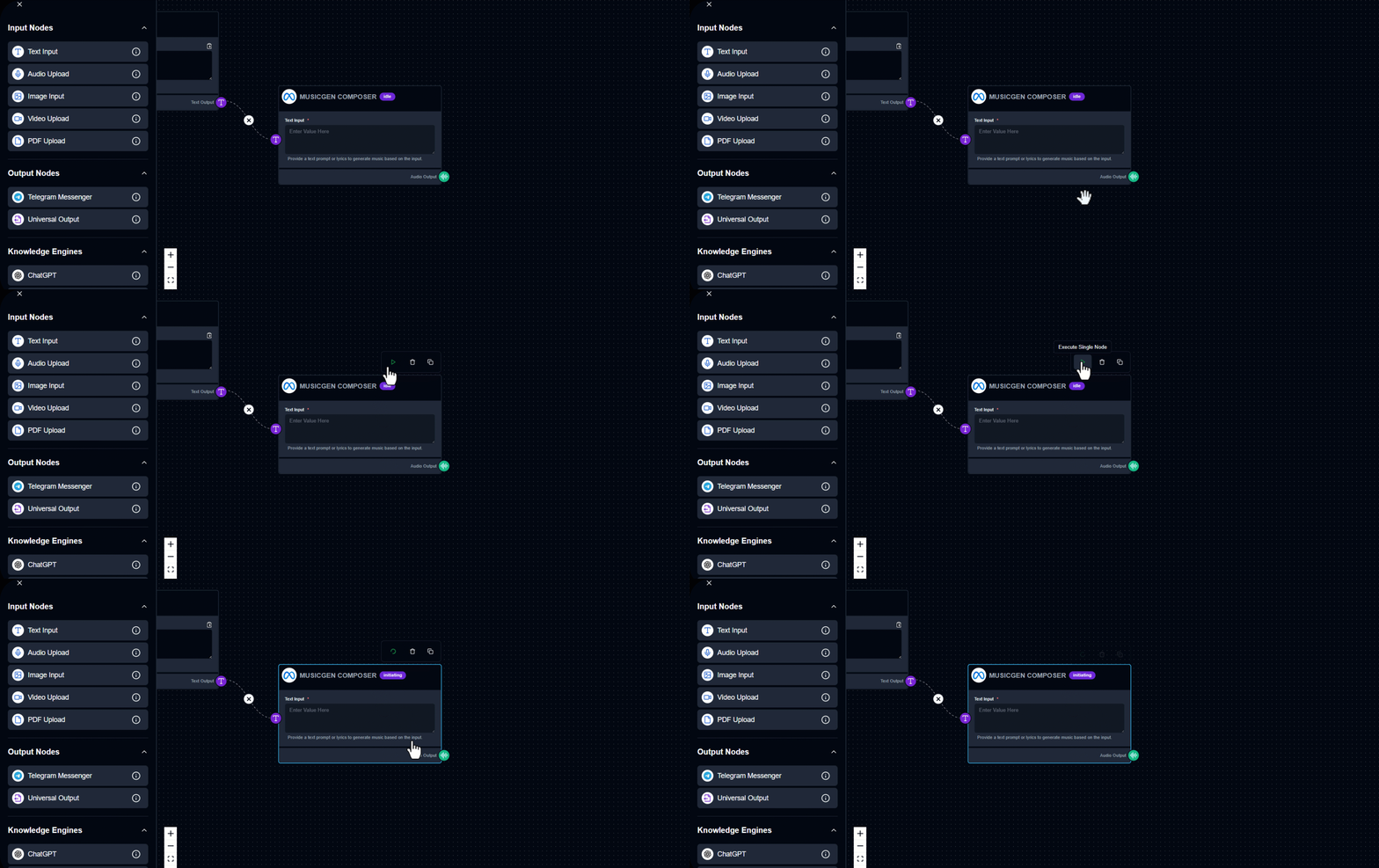
Run the Module – Click to generate the music.
4. How to Use the MusicGen Composer Module
View the Result – The audio appears in the Audio Output section. Tip: Using descriptive phrases like “dramatic orchestral intro” produces more expressive results.
Output Example
Text input: “Create an Upbeat and Happy Song.” Generated Result: File in folder
Try Now
See MusicGen Composer Module in Action
Build your first workflow in under 60 seconds drag, drop, done.
Launch Interface
Quick Info
Category
Model
Provider
Meta
Module Type
AI Music Composer
Tags
AI MusicText-to-MusicAudio GenerationCreative ContentWorkflow Automation
Ready to build?
Join thousands using MusicGen Composer Module to power their workflows
Free to start
No credit card
2 min setup