GPT Vision Module
Ready in seconds. No setup required connect GPT Vision Module to your workflow instantly.
Overview
The GPT Vision module enables you to integrate powerful image understanding capabilities into your automation flows. Analyze images, detect objects, summarize visual content, or compare designs all through a simple AI interface. With support for custom prompts and single-image input, you can obtain precise visual insights to support decision-making, content creation, or workflow automation.
Key Features
Use Cases
User Manual
1. How to Use the GPT Vision Module
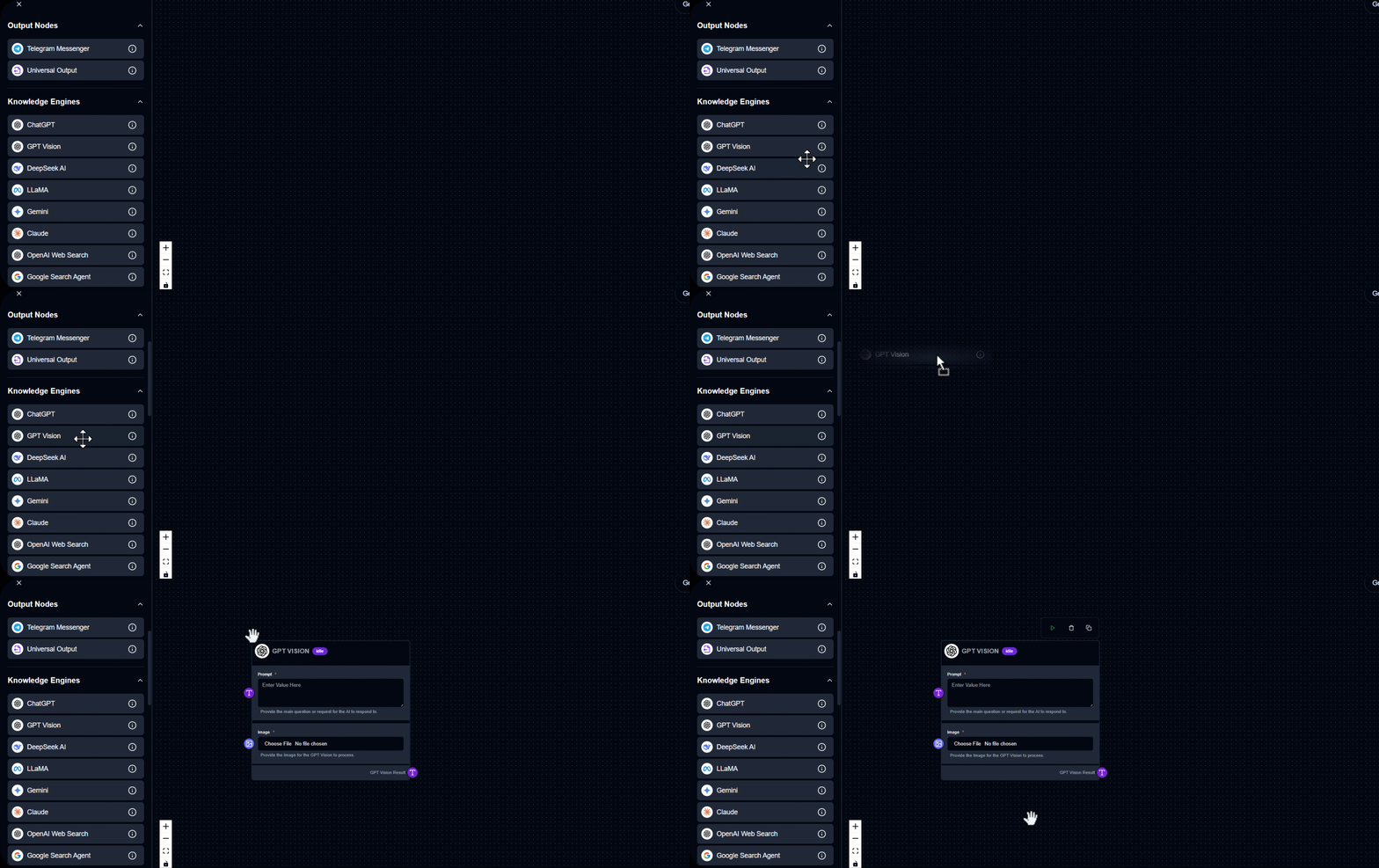
2. How to Use the GPT Vision Module
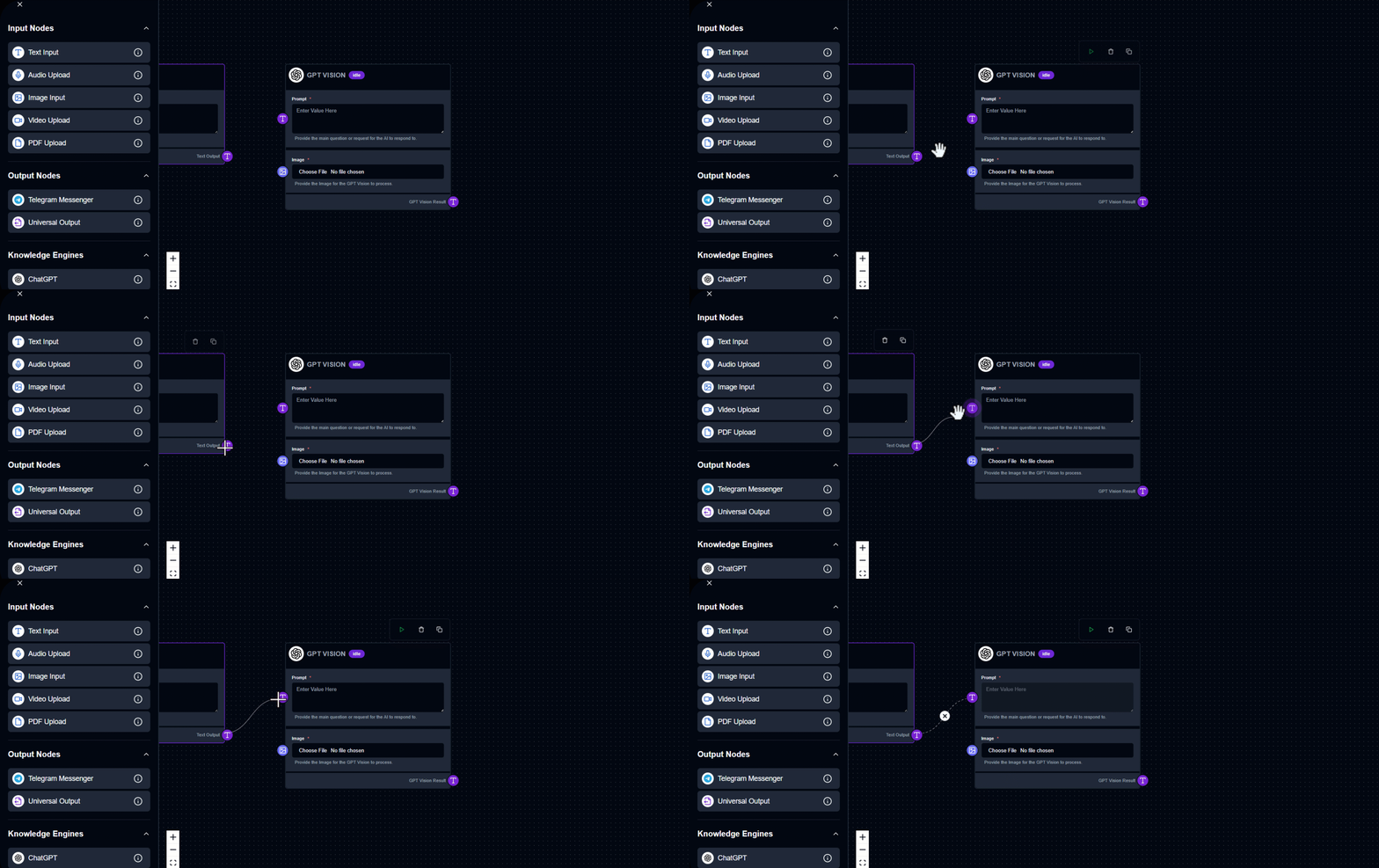
3. How to Use the GPT Vision Module
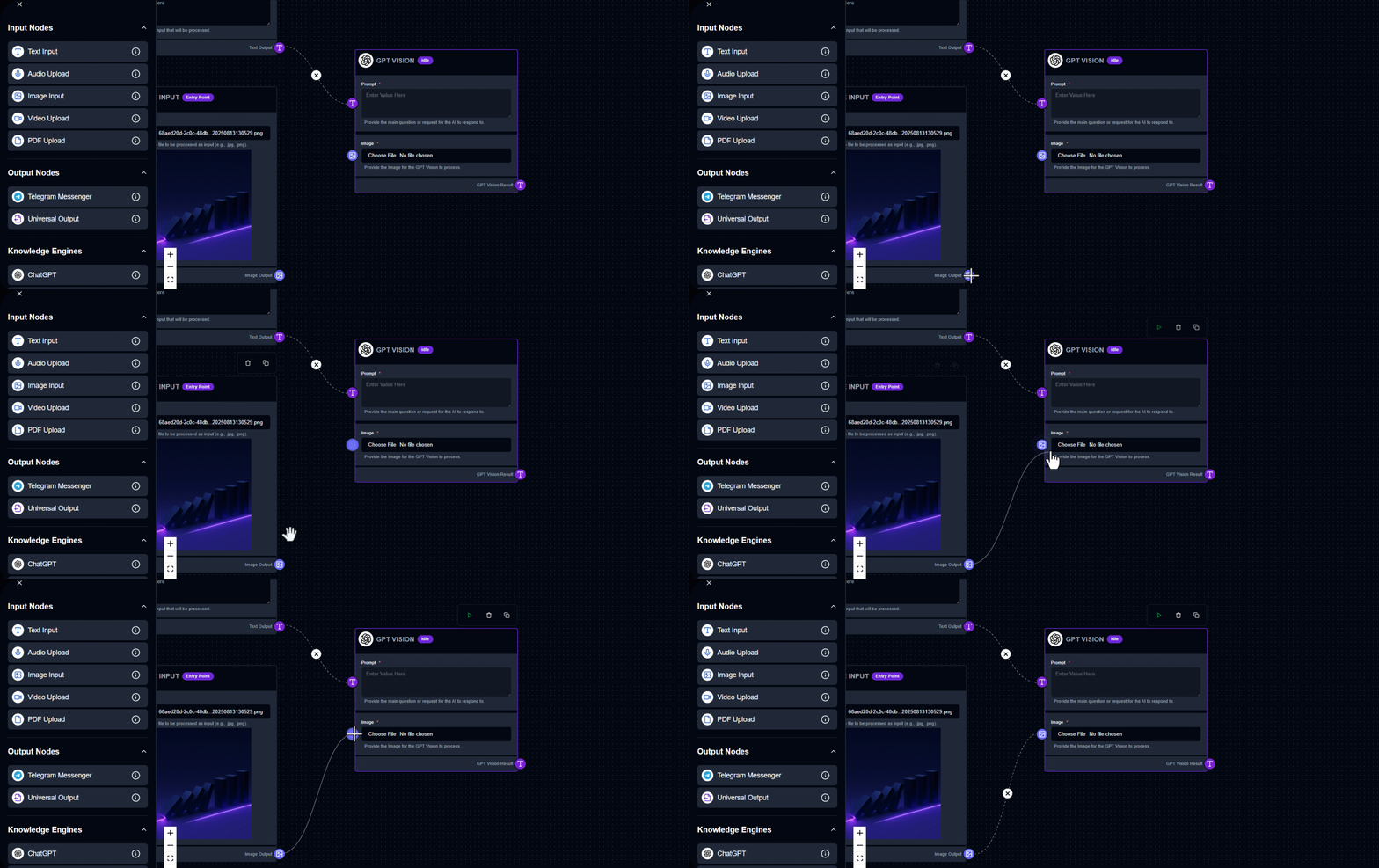
4. How to Use the GPT Vision Module
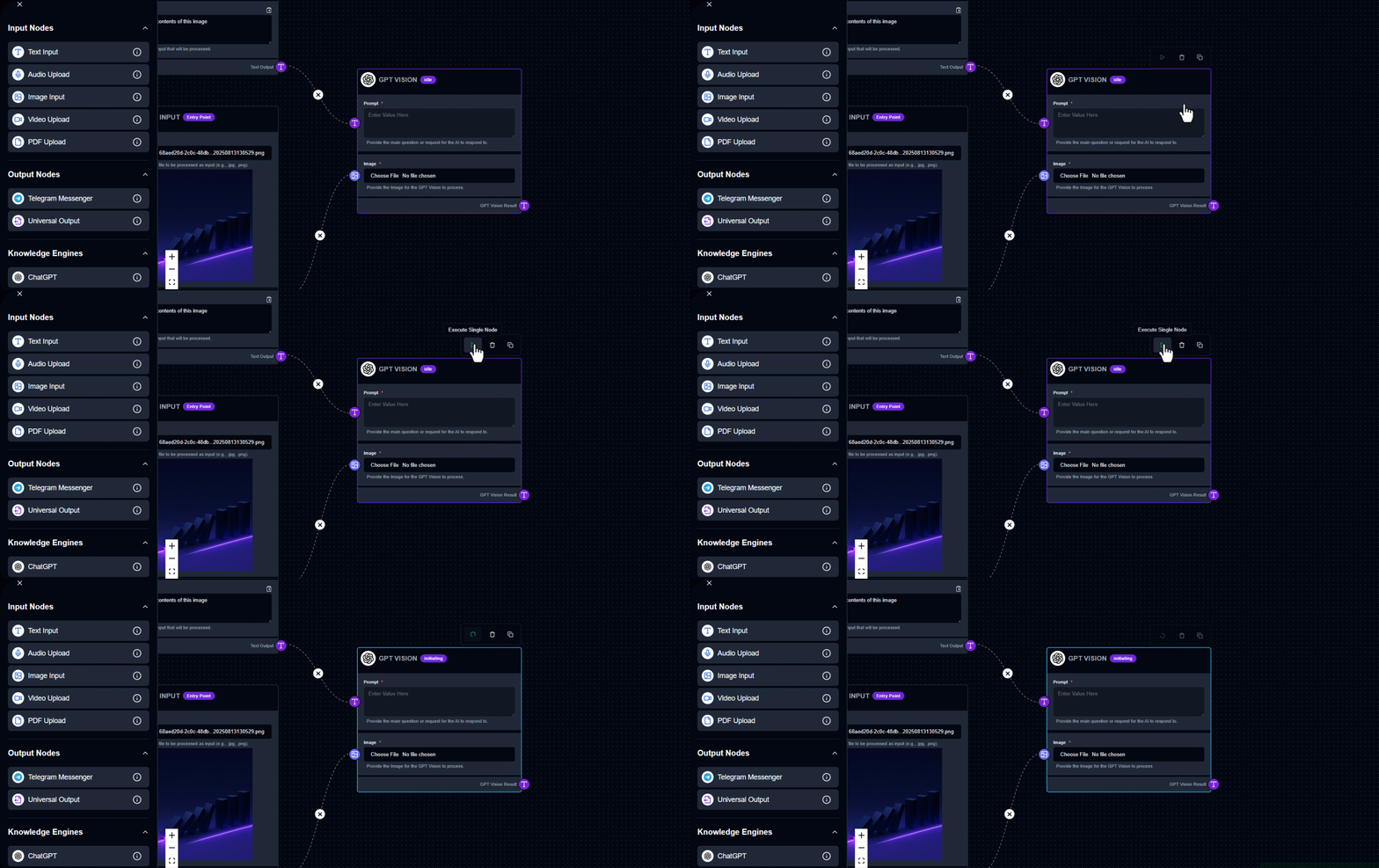
5. How to Use the GPT Vision Module
Output Example
Prompt: "Describe this image." Uploaded Image: Generated Result: "The image shows two people in a modern, well-lit environment, standing in front of an angled touchscreen kiosk. The individual in front is actively using the touchscreen. Both are casually dressed and both have backpacks. The setting looks like an upscale indoor area with minimalistic design, featuring marble flooring and some decorative elements like a plant and a sculpture in the background. The overall atmosphere is clean and sophisticated."
See GPT Vision Module in Action
Build your first workflow in under 60 seconds drag, drop, done.
Quick Info
Tags
Ready to build?
Join thousands using GPT Vision Module to power their workflows