Model
Whisper Transcriber Module
Upload audio and convert speech into highly accurate text using OpenAI’s Whisper transcription model.
Provider
OpenAI
Ready in seconds. No setup required connect Whisper Transcriber Module to your workflow instantly.
Overview
The Whisper Transcriber module allows you to convert spoken audio into text with high accuracy. It supports a variety of audio types, including interviews, lectures, podcasts, and voice notes. Perfect for creating searchable text databases, generating captions, or feeding transcripts into AI workflows.
Key Features
Accurate Speech-to-Text
Supports Multiple Audio Formats
Seamless Integration
Noise Tolerance
Use Cases
Meeting & Lecture Transcriptions
Content Generation
Captioning & Accessibility
Audio Knowledge Management
User Manual
1. How to Use the Whisper Transcriber Module
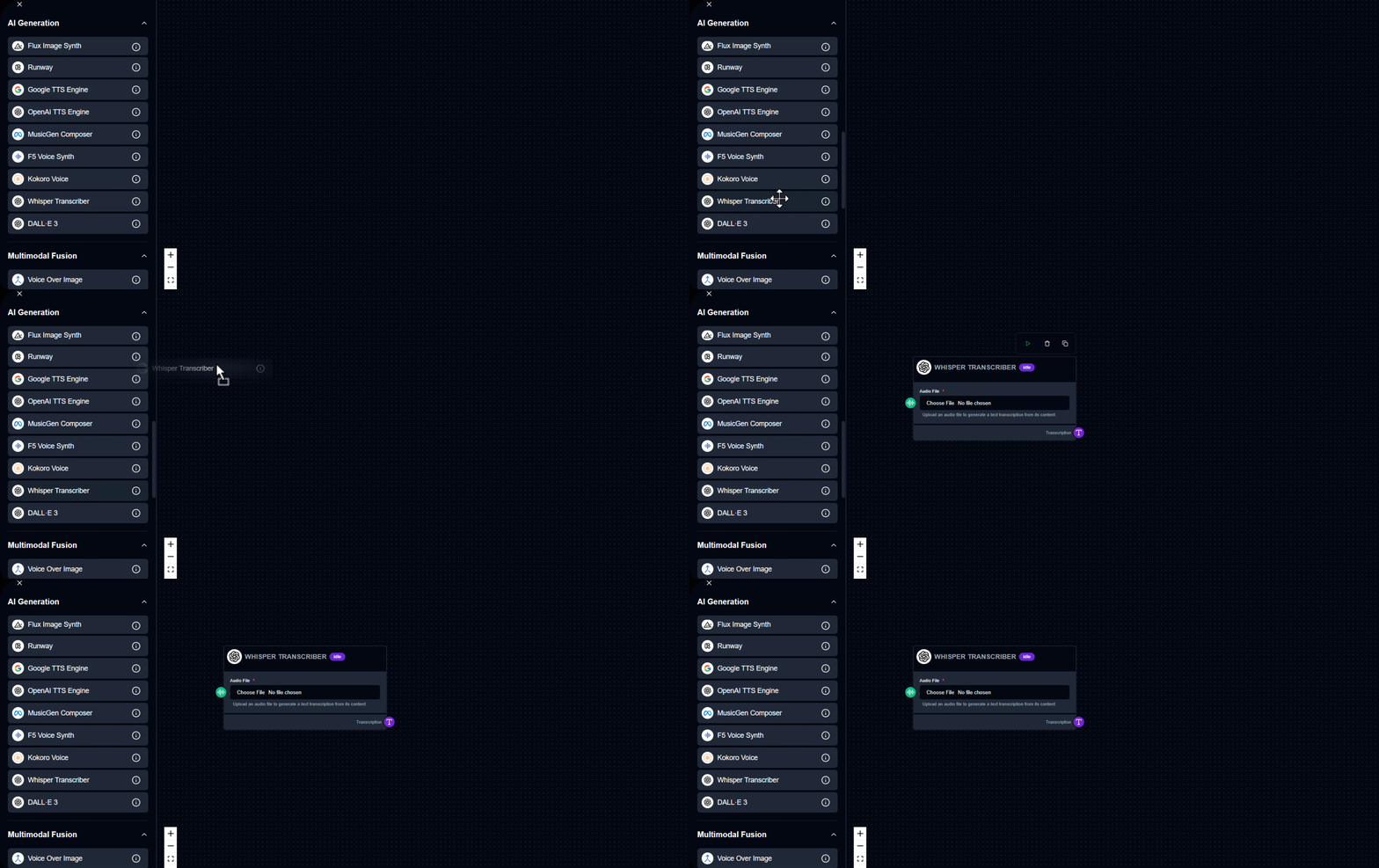
Drag & Drop – Drag the Whisper Transcriber module into your workspace.
2. Upload Audio File
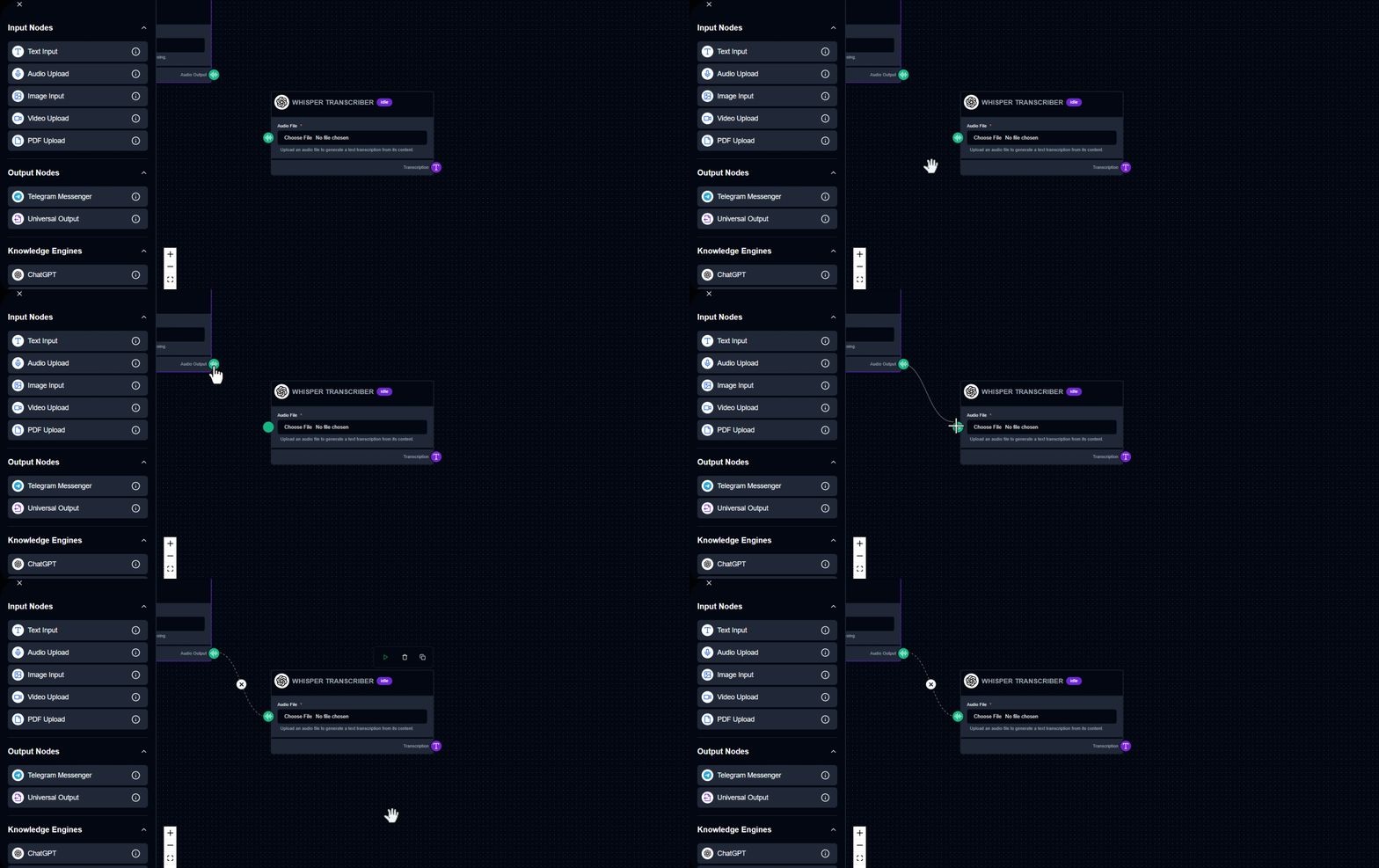
Click Choose File to upload the audio you want transcribed. Supports interviews, lectures, voice notes, and more.
3. Run the Module
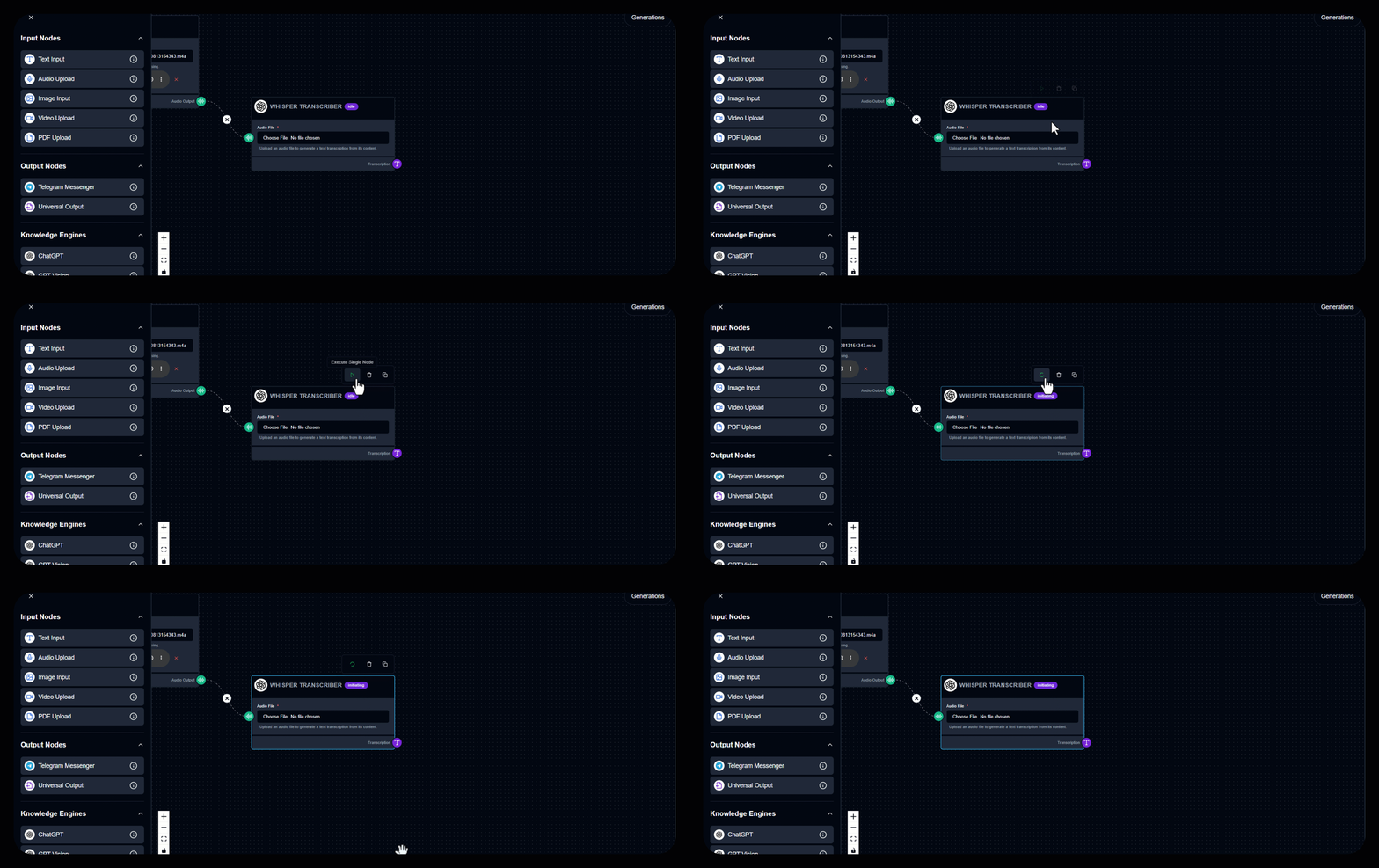
Click to start transcription.
4. View the Result
The converted text appears in the Transcription Output section. Tip: Use clear, noise-free recordings for the most accurate transcription results.
Output Example
Audio input: file in folder
Output: without writing a single line of code.
Try Now
See Whisper Transcriber Module in Action
Build your first workflow in under 60 seconds drag, drop, done.
Launch Interface
Quick Info
Category
Model
Provider
OpenAI
Module Type
Speech-to-Text Engine
Tags
Speech-to-TextTranscriptionAudio ProcessingVoice RecognitionWorkflow Automation
Ready to build?
Join thousands using Whisper Transcriber Module to power their workflows
Free to start
No credit card
2 min setup